Language: English Deutsch Français Español Português
Command & Conquer Gold: Project 1.06

This patch will update Command & Conquer Gold to version 1.06b. This version includes several program bug fixes, graphics updates, mission fixes and new features, like the advanced options in conquer.ini, and a 1024x768 high resolution mode accessible through CCSetup.exe

This is not an official patch. It is created by Nyerguds, who is not responsible if this patch somehow manages to ruin your game, eat your hard disk or set fire to your keyboard.

Downloads: (Current version: 1.06b revision 2)

Download mirrors:
patch | music pack | full game
patch
Full game & movies pack

The patch is compatible with both The First Decade and the CD version of C&C95. That includes the C&C95 ISOs which EA has released.
When the patch is installed on a First Decade installation, it will automatically enable the game's ini-controlled no-CD mode.

Images:
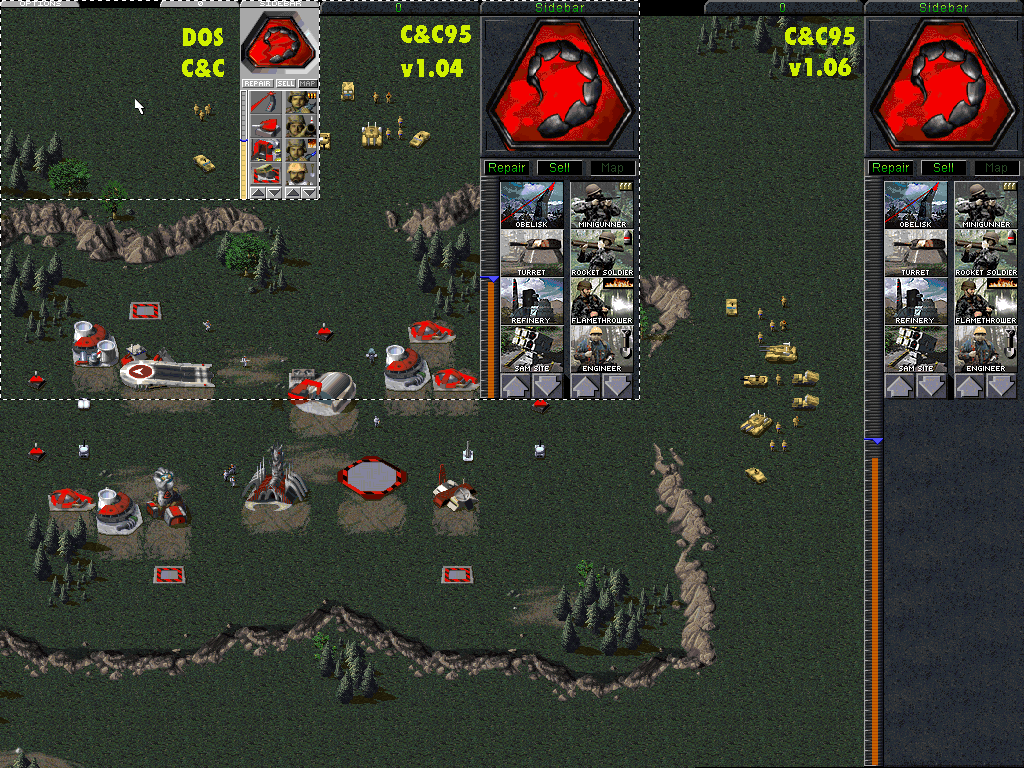
Size comparison:
Snow theater:
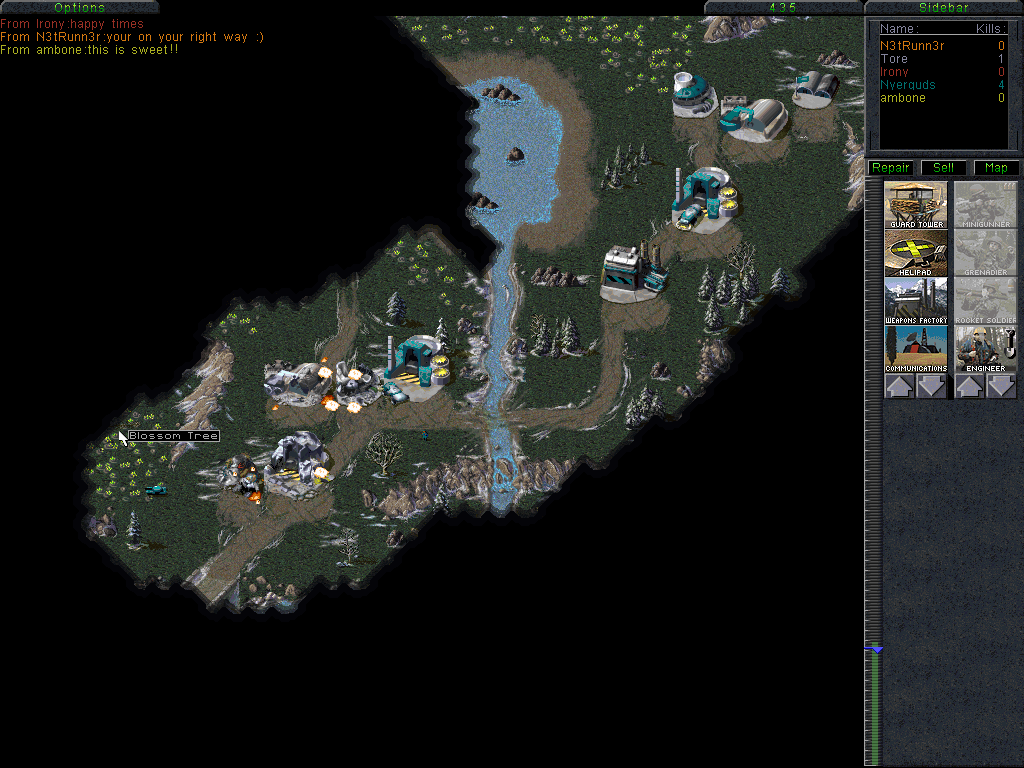
A 5-player online game with CnCNet:
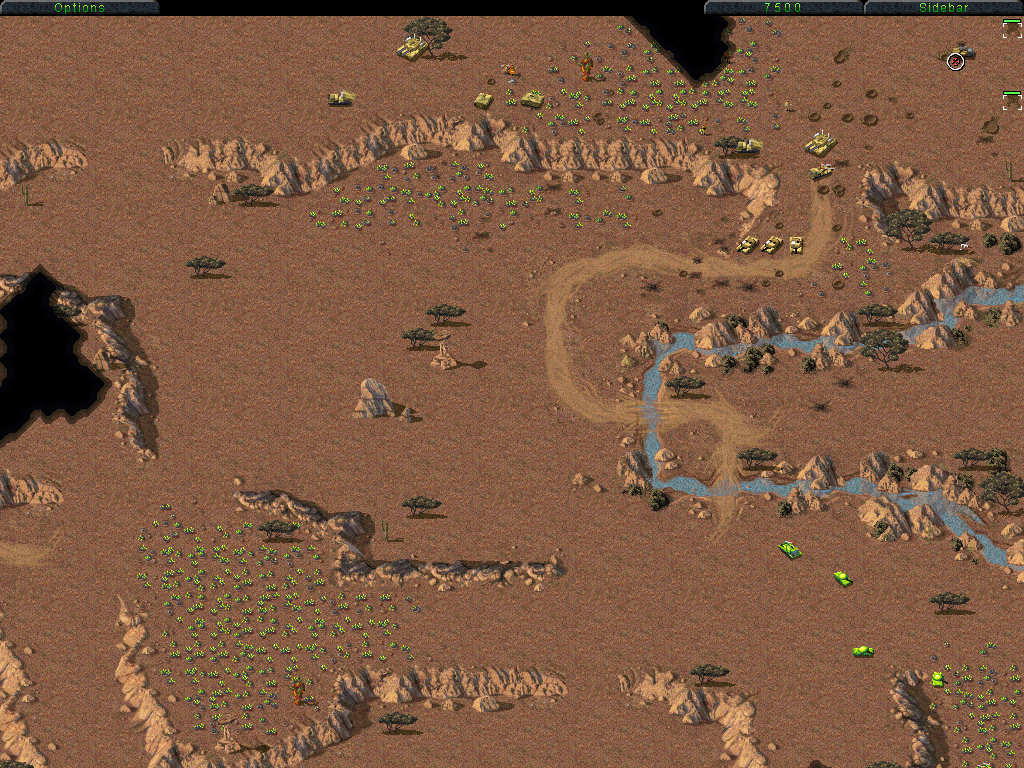
Mobile HQ threatened by stealth tanks:

FAQ:

Q: Do I need the music upgrade pack?
A: It depends. If you have The First Decade then you definitely don't need it. If you have the Covert Operations, you can just copy "scores.mix" from the Covert Operations CD to your game directory to get the same effect. If you have neither of those, then yes, it's advised to download the pack, since it will add a vast amount of music and remixes which were made for the game but were never enabled before.

Q: The high resolution doesn't work! When I start the first GDI mission, the map is simply put in a small box with black around it! I can't scroll, and I see the whole playing field twice!
A: Increasing the game resolution does not magically make the missions bigger. The first campaign missions are simply smaller than the high resolution. This gives a few odd graphical bugs, but if you just touch the side of the screen with your mouse cursor, and then open and close the main menu, most of these errors will disappear. Since C&C missions get bigger as you progress through the campaign, these problems will be completely gone after mission #3.

Q: My savegames are gone!
A: High resolution mode has problems with low-resolution savegames, so I separated them completely. But if you want to continue your campaign progress, savegame packs for hi-res C&C95 are available on the patch website. You can still access your old savegames if you use CCSetup.exe to switch back to low resolution.

Q: The videos / score screens / map choice screens aren't in high resolution! They are just shown in the upper left corner.
A: Indeed they are. I can't make the game stretch these things, and I haven't found the data structures I need to change to center them, so until I do, they'll stay like that. Sorry.

Q: The grenade throw sound annoys me! Can't I disable it somehow?
A: Personally I prefer keeping it, but apparently it annoyed a lot of people. If you want to remove it, all you need to do is delete "update01.mix".